
Access enforcement
The Access enforcement section holds the policies that govern who may connect to the virtual site and how strong account passwords must be. External identity sources such as LDAP and OIDC are configured under the LDAP / OIDC section instead (see also the Single Sign On (OIDC) guide).
The page is organized into two tabs, in this order:
- Allow list
- Password policy
The safe list, the addresses the Shield never bans, lives on the Shield page, next to the bans it exempts addresses from.
You can move between the tabs with the mouse, or with the keyboard arrow keys when the tab strip has focus (Home and End jump to the first and last tab). Each tab has its own Save button that persists only that tab's settings.
Allow list
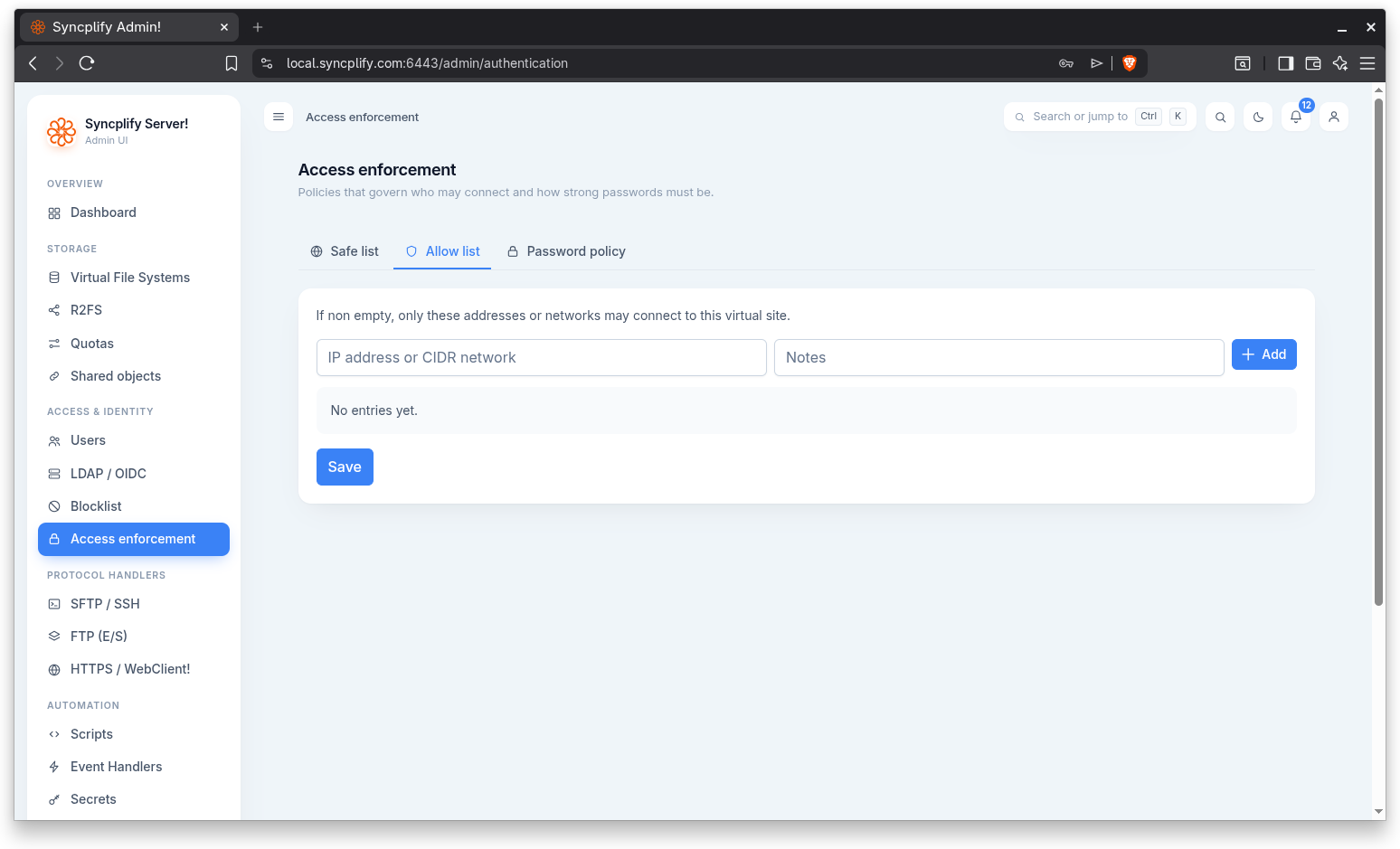
If the Allow list is non empty, only the addresses or networks it contains may connect to this virtual site. Leaving it empty places no address restriction on connections.
To add an entry, type an IP address or CIDR network, optionally add a note, and use the Add button (or press Enter). The value is validated, and duplicates are rejected. Each entry can be removed individually. Use Save to persist the list.
Password policy
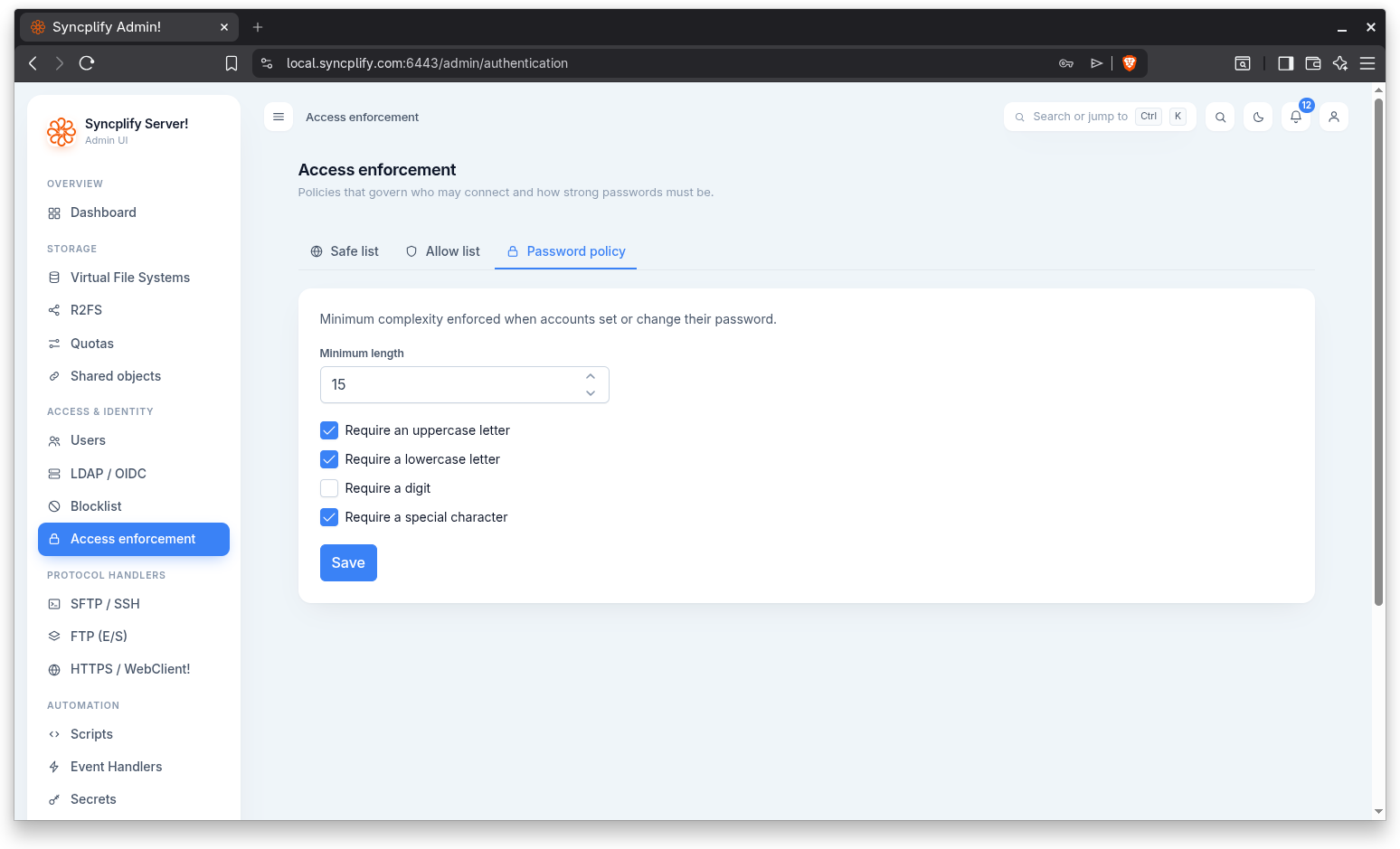
The Password policy sets the minimum complexity enforced when accounts set or change their password. The settings are:
- Minimum length
- Require an uppercase letter
- Require a lowercase letter
- Require a digit
- Require a special character
After changing any setting, use the Save button to persist the policy.